# Order
# Order List
TIP
This page allows your to view all order, includs
- Unpaid
- Partialy Paid
- Paid
- Picking
- Shipped
- Request Refund
- Refund Issued
- Completed
- Closed
TIP
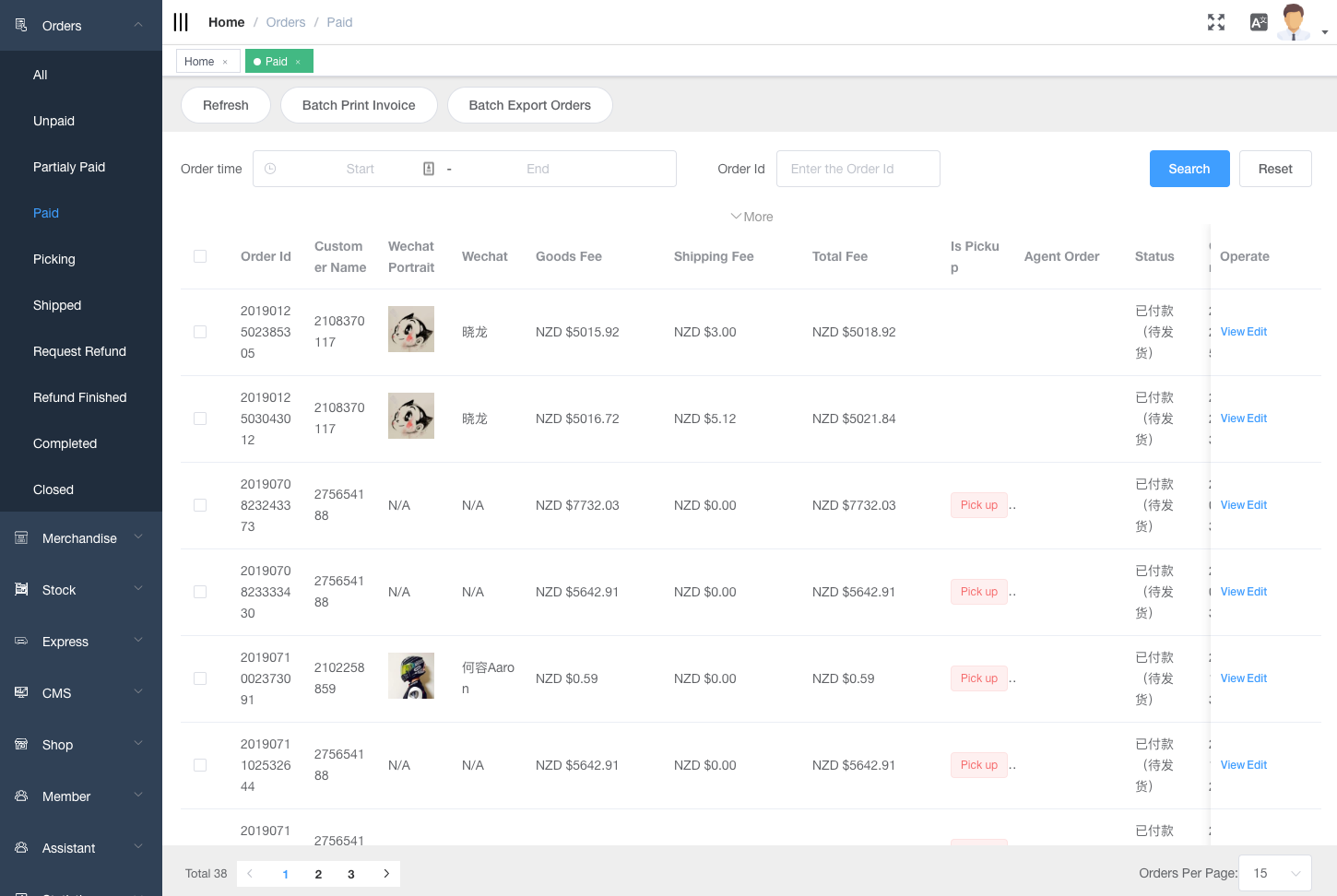
Inside 'Paid Order' List, there is a option for bulk print invoice and bulk export orders to see a broad overview of your complete order information.
It is also possible to filter order by order time, order number, customer name. etc.
TIP
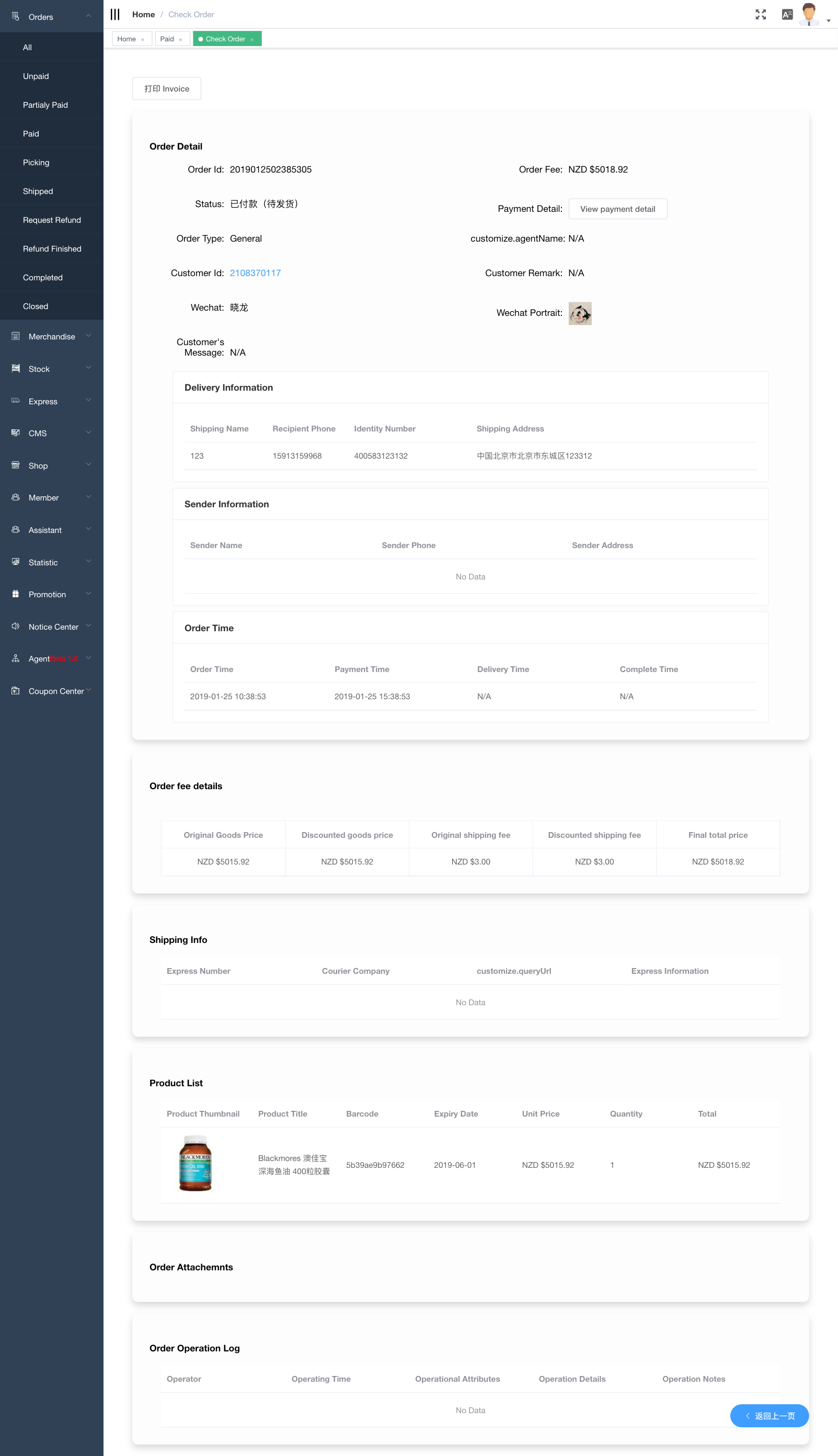
Click 'Edit' at right-hand side of the list to view/edit full order detail.
You can easily change the status of order.
Please note unpaid order will be automatically closed within a specific time if it remains unpaid status.
- Customer has clicked 'Bank Transfer' in store front when placing order. In this situation, unpaid orders will be closed in 7 days.
- Customer hasn't clicked 'Bank Transfer'. In this situation. unpaid orders will be closed in 3 days.