# Products
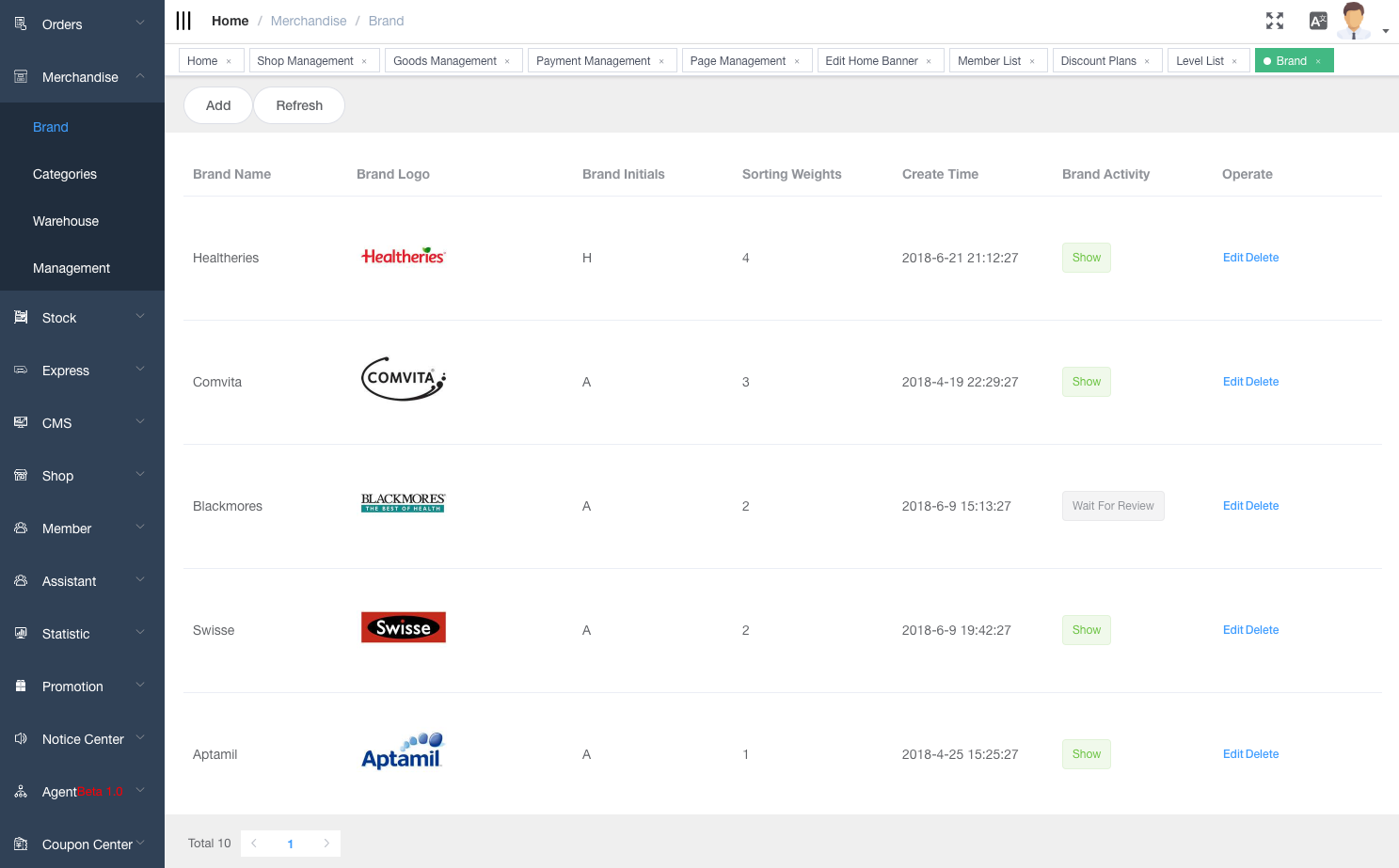
# Brand
TIP
Create/Delete/Edit your brands
Input 0-8 in the sorting weight field. The bigger the sorting weight number, the higher the ranking. 0 means hidden.
# Categories
TIP
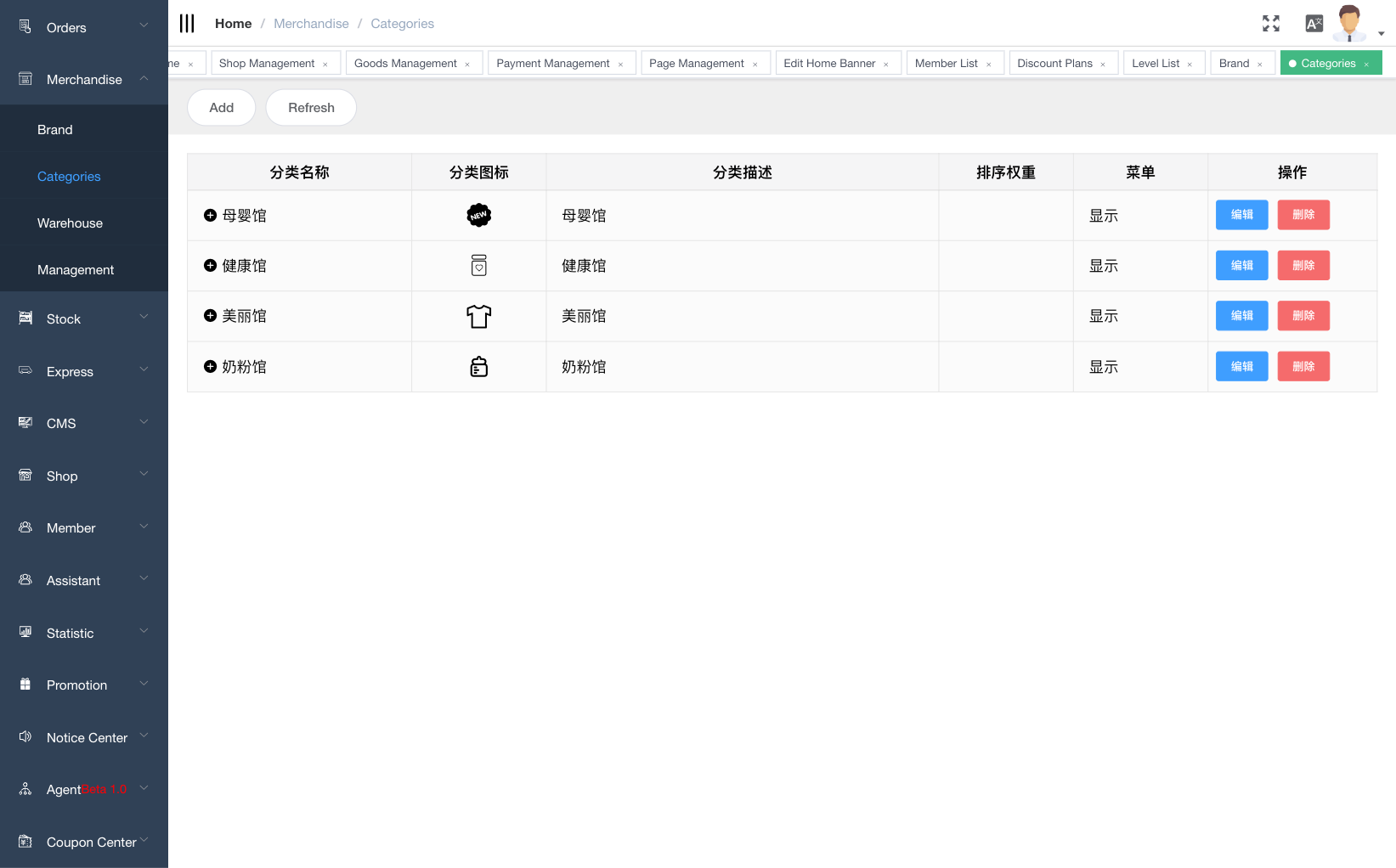
Create/Edit/Delete your products categories. the bigger the sorting weight number is, the higher the ranking
Sub-catogory is supported.
# Category menu management
TIP
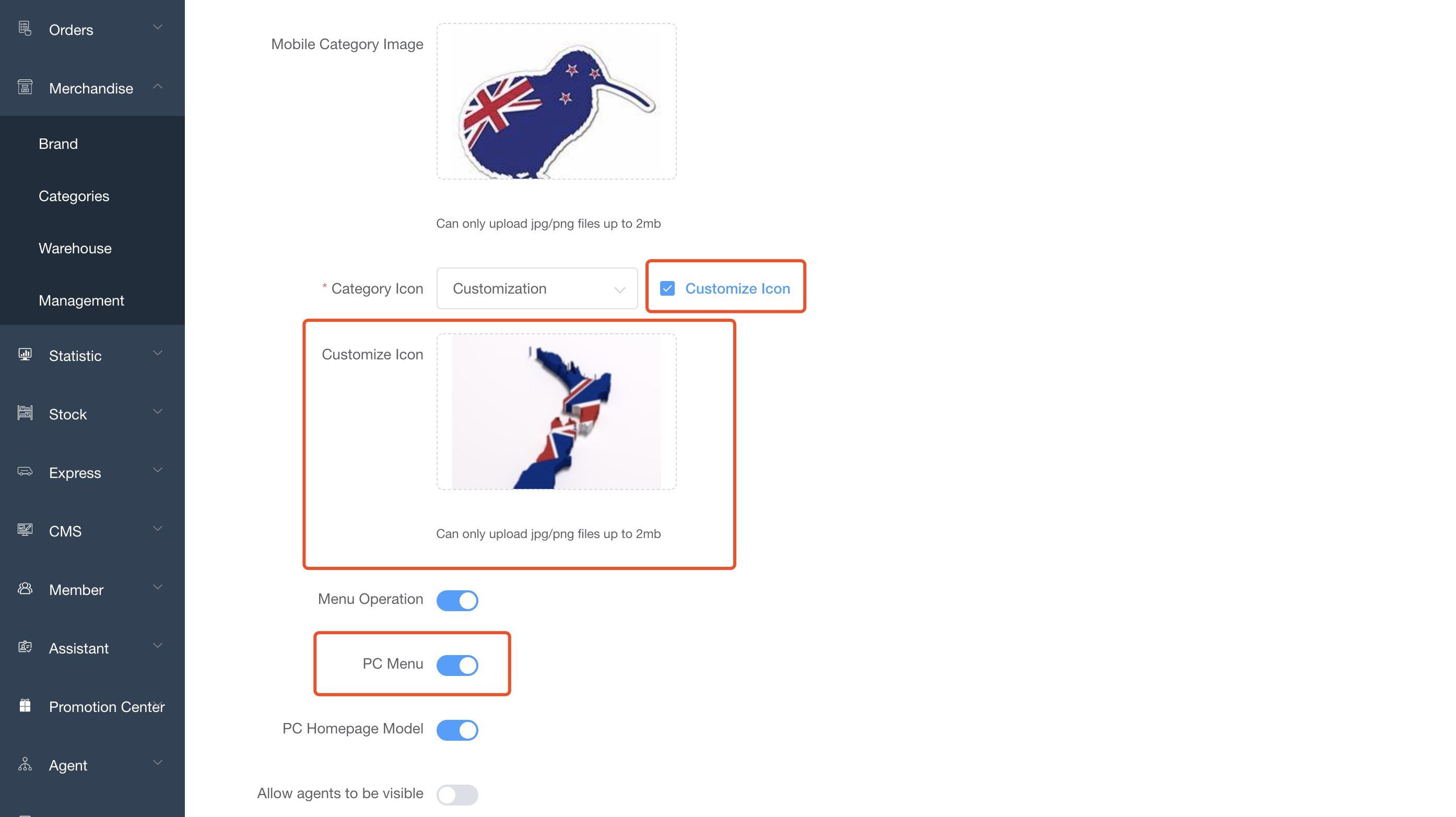
- Turn on the "PC Menu" to display this category in the PC category navbar menu
- Customize category Icon
# Category model management
TIP
- Turn on the "PC Homepage Model" to display this category in the category model on home page
- Upload category model picture (recommended size ratio 240:480)

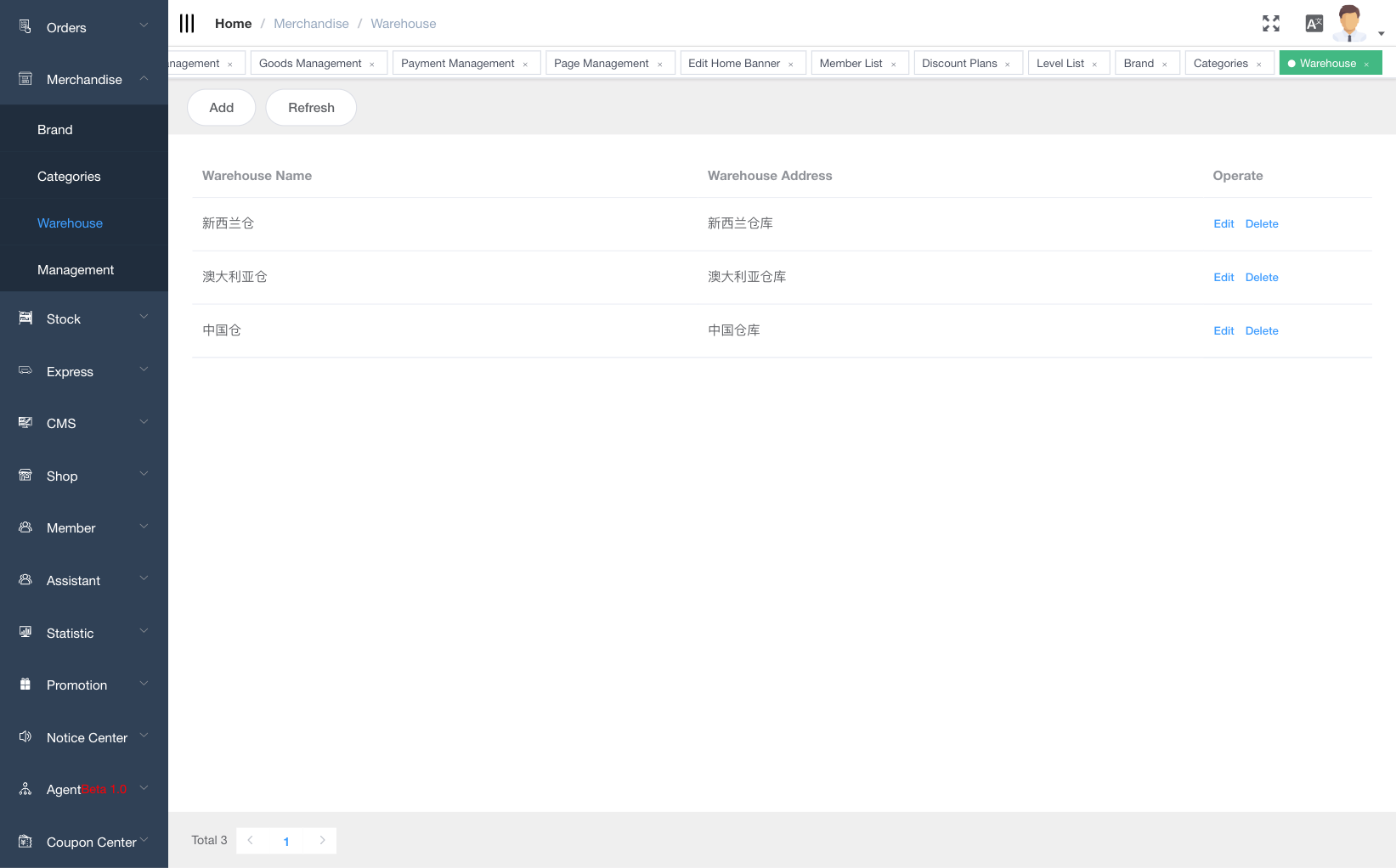
# Warehouse
TIP
Manage your warehouse.
# Products
TIP
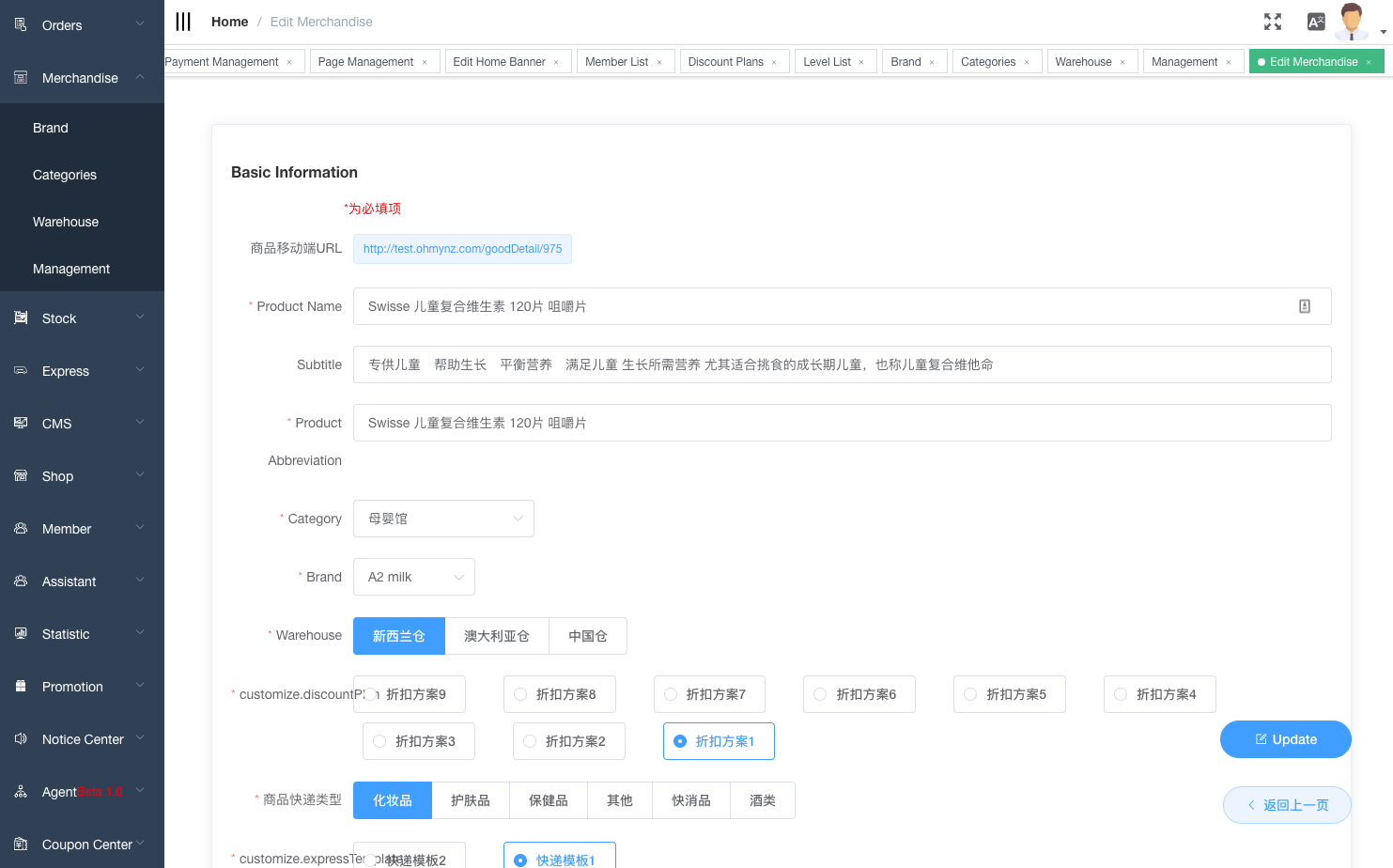
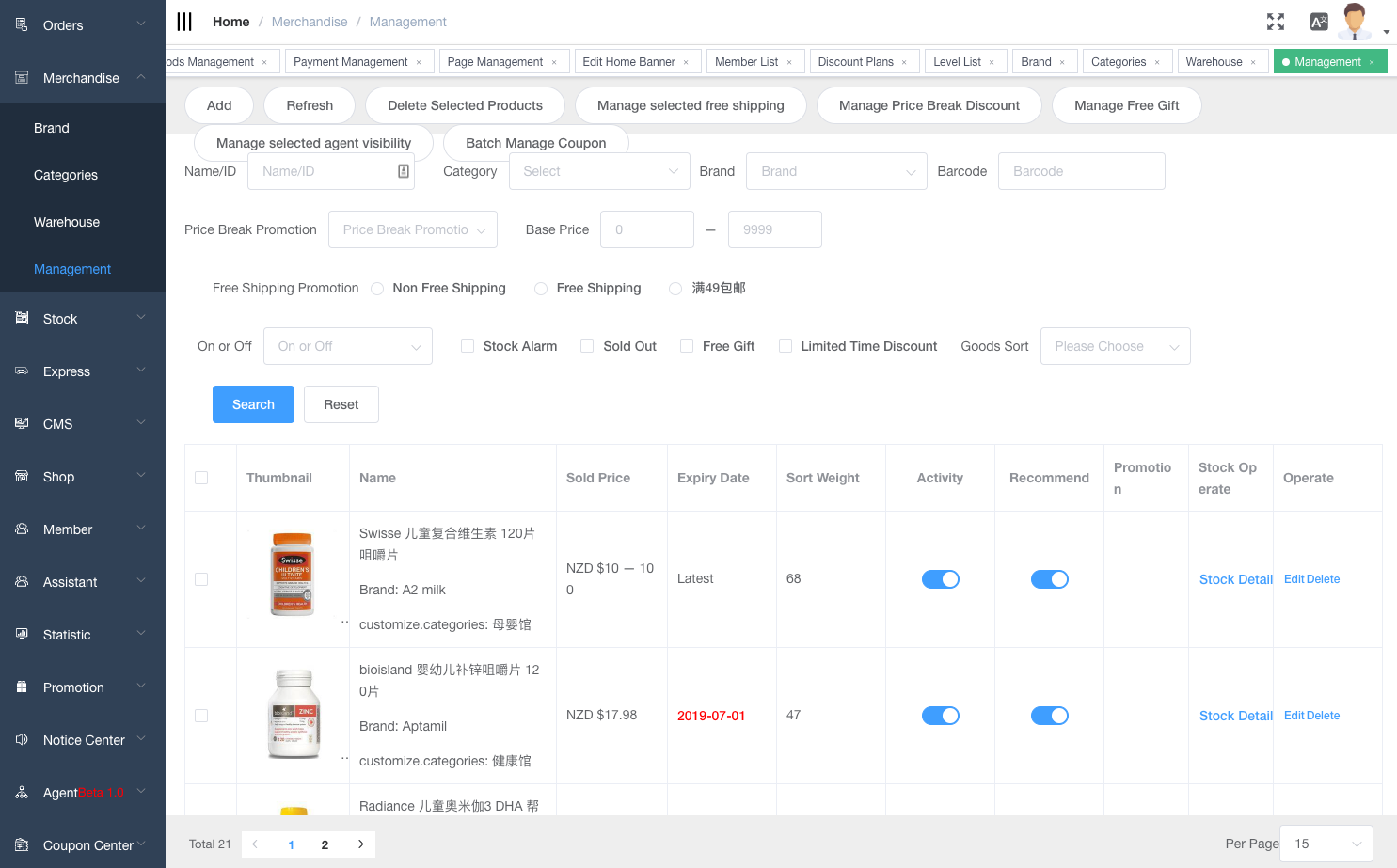
Your products are the goods, service, digital downloads that you sell. You add a product in ieShop by entering product detail and uploading product images. If your product has options. like size or color. then you can add a variant for each combination of options.
TIP
Product Detail
Red * are mandatory fields.
The details your provide for a product affect the way the product appears to your customers, Make it easier for you to organize your products. and help customer finds your products.